
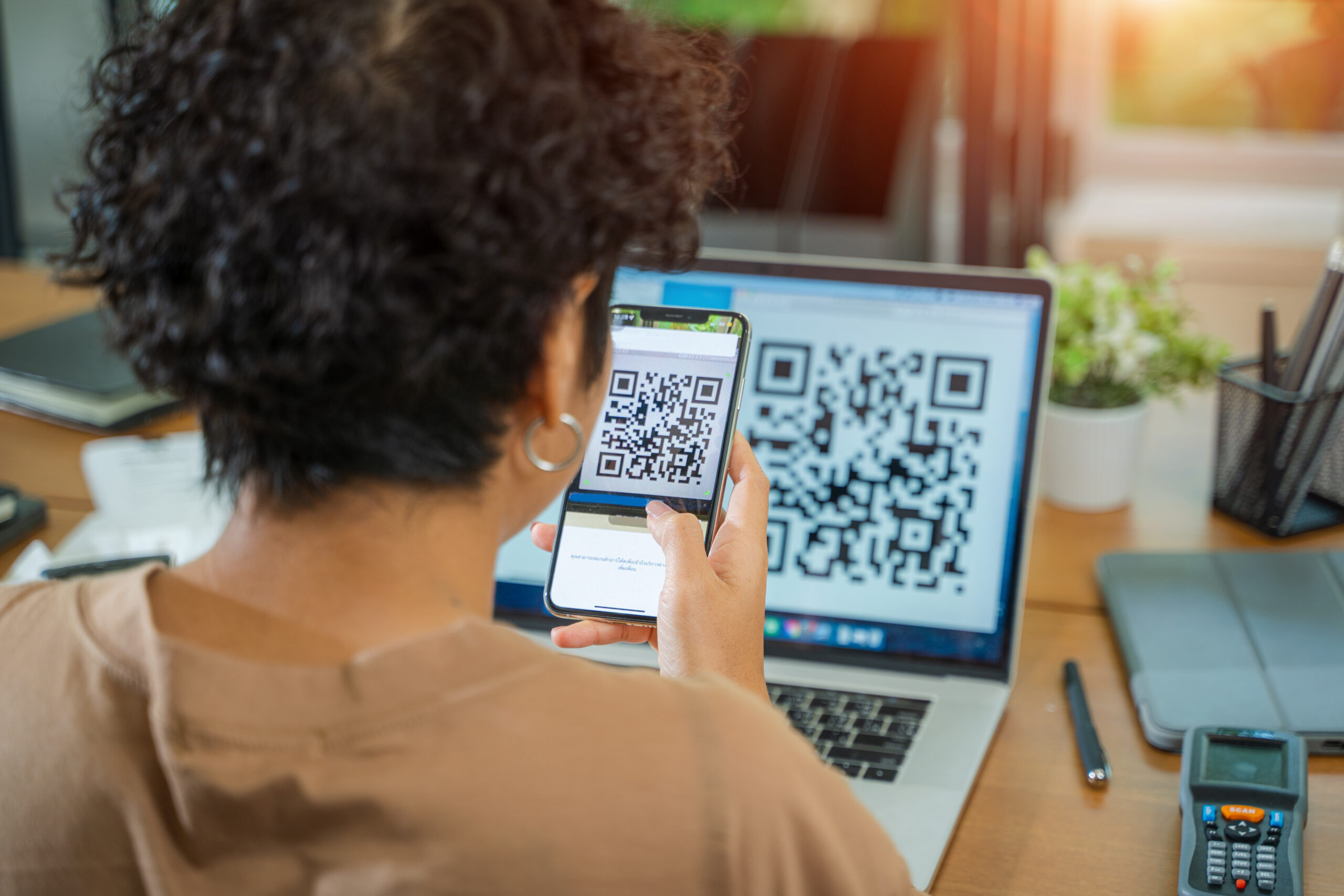
The best review request is the one a customer can complete while the experience is still fresh. That is why QR codes work so well for reviews. They connect an in-person moment to an online action without asking the customer to search, type, remember, or wait for a follow-up email.
For small businesses, this matters because the review opportunity is often brief. A customer leaves the restaurant, a client walks out of the salon, a homeowner sees the finished project, or a patient thanks the office staff. If the path to share feedback is not obvious, the moment passes. Nalu Endorse helps businesses turn those moments into reviews, video testimonials, follow links, and media endorsements through one simple funnel.
Why Qr Codes Reduce Friction
A QR code removes the most common barrier in review collection: effort. Without a QR code, customers may need to search for the business, choose the right platform, find the review button, and decide what to write. Even happy customers may not follow through if the process feels like extra work.
With a QR code, the business gives customers one clear action. Scan here. Share your experience. That simplicity is especially useful in high-traffic environments like restaurants, salons, spas, gyms, medical offices, coffee shops, and retail stores.
Where To Place Review Qr Codes
Placement should match the moment when goodwill is strongest. For restaurants and coffee shops, place the QR code near the register, on table tents, receipts, takeout inserts, or loyalty cards. For salons and spas, use the front desk, mirror cards, aftercare cards, or appointment follow-up messages. For contractors and home service providers, use invoices, leave-behind cards, vehicle magnets, or project completion emails.
Professional services can use QR codes at reception desks, consultation folders, closing packets, or post-service thank-you emails. The goal is not to cover every surface with a code. The goal is to put the code where the customer naturally pauses and feels ready to respond.
Use Copy That Feels Human
A QR sign should be short and friendly. Good examples include: “Loved your experience? Scan to share it.” “Help future customers find us. Scan to leave a review.” “Share your experience with a quick review or video testimonial.” The copy should make the action feel helpful, not forced.
Avoid wording that sounds demanding or transactional. Customers are more likely to respond when the request feels like a simple invitation to support a business they already like.
Choose The Right Destination
Some QR codes should point directly to a public review platform. Others should point to a branded endorsement page where customers can choose the best way to share: written review, video testimonial, media gallery, before-and-after photos, or social follow links. The right destination depends on the goal.
If the business needs more public reviews, route the customer to Google Business Profile, Yelp, TripAdvisor, Facebook, or another review destination. If the business needs richer proof for the website and social media, route the customer to Nalu Endorse so the testimonial can become an owned marketing asset.
Train The Team To Mention It Naturally
The QR code works better when staff know how to introduce it. The prompt can be simple: “If you had a great experience today, that QR code is the easiest way to share it.” For a contractor, the prompt could be: “If you are happy with the finished project, I left a card with a QR code where you can leave a quick review or testimonial.”
The goal is consistency, not pressure. One calm sentence can dramatically increase participation because the customer understands why the sign is there.
Test Before Printing
Before printing signs or cards, test the QR code on multiple phones and from different distances. Make sure the page loads quickly, the instructions are clear, and the customer can complete the process without confusion. A beautiful sign will not help if the landing page is slow or unclear.
Also consider using UTM tracking or a unique destination URL so the business can see which signs, locations, or campaigns are driving the most activity.
Common Mistakes To Avoid
The most common mistake is treating customer proof as an afterthought. If the request only happens when the business remembers, the results will be inconsistent. Build the proof ask into the normal customer journey so it happens at the right moment and does not rely on one person remembering to follow up.
Another mistake is making the request too complicated. A customer should not have to search for the business, choose between too many unrelated links, download an app, or write a perfect response from scratch. Use one link or QR code, explain the purpose clearly, and give a few simple prompts so the customer knows what kind of feedback would be most helpful.
A third mistake is collecting proof but never using it. Reviews, video testimonials, media galleries, and before-and-after proof should be reviewed, approved, and placed where future customers can actually see them. A testimonial hidden in a dashboard or buried in a text thread will not help the business grow.
Practical Setup Checklist
Start by choosing one primary customer moment for this topic. That could be project completion, checkout, closing day, appointment follow-up, consultation completion, delivery, or a customer thank-you message. Write down exactly who will make the ask, what they will say, and where the customer will go after scanning or clicking.
Next, create the Nalu Endorse destination and test it from a customer’s point of view. Confirm that the page loads well on mobile, the instructions are clear, and the customer can leave the type of proof you want to collect. Test the QR code or link on more than one phone before printing signs, cards, receipts, or follow-up materials.
Finally, decide how approved endorsements will be used. Choose at least three destinations before launch: one website placement, one social media use, and one follow-up or sales use. This keeps the campaign focused on business value, not just collection volume. Review results monthly and refine the ask based on what customers actually submit.
Conclusion
QR codes are not magic. They work because they make the right action easier at the right moment. When paired with a clear review funnel, a QR code can help businesses collect more reviews, stronger video testimonials, and better customer proof. Nalu Endorse gives that QR code a purpose: turning customer goodwill into proof that can be shared across websites, social media, and review platforms.
FAQ
Can I use one QR code for multiple review platforms? Yes. A Nalu Endorse page can act as a hub that links customers to the places where your business wants to be reviewed, liked, followed, or endorsed.
Where should a review QR code be placed? Use checkout counters, front desks, table tents, invoices, thank-you cards, receipts, closing packets, and post-service follow-ups.
Should the QR code send people to Google reviews? It can, but it can also send customers to a broader endorsement page where they can leave video testimonials, written reviews, and media proof.
Do QR code review signs work for service businesses? Yes. They work especially well when placed at the end of a successful service interaction or project completion.
Start a free Nalu Endorse account and collect your first client endorsement.